
If you’re planning a trip to South Korea in 2026, you might have heard that “Google Maps doesn’t work in Korea.” While things are finally starting to change, relying solely on Google Maps can still lead to frustration. Here is the ultimate guide to navigating Korea like a local and why you still need Korean map apps in your pocket.
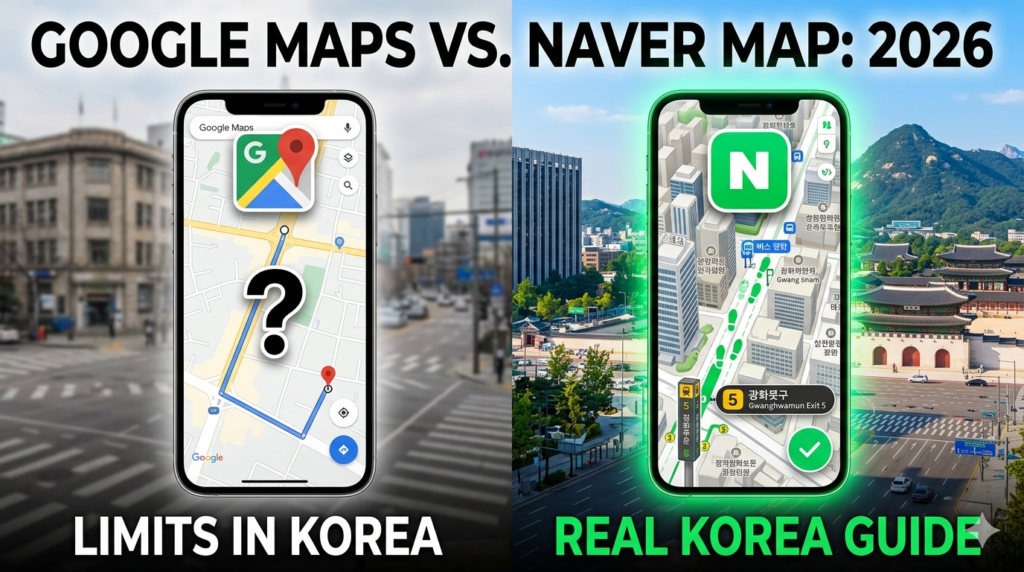
1. The Big Update: Is Google Maps Finally Working?
As of March 2026, the South Korean government has officially granted conditional approval for Google to export high-precision (1:5,000 scale) map data.
- The Good News: Features like walking directions and driving navigation—which were previously restricted—are slowly being rolled out.
- The Reality: Even with these updates, Google Maps still lacks the real-time local integration that domestic apps have perfected over decades. For the most accurate “Live” experience, local apps remain the gold standard.

2. Why Google Maps Still Struggles in Korea
- Data Latency: Many local shops, trendy “hidden gem” cafes, and restaurants open and close rapidly in Korea. Google Maps often lags behind in updating these changes compared to Naver or Kakao.
- Limited Real-Time Transit: While Google shows subway schedules, it often misses real-time bus locations or “how crowded” a subway car is—features that are standard in Korean apps.
- Indoor Mapping: Large underground malls (like COEX or Goto Mall) are incredibly complex. Local apps provide much better floor-by-floor indoor navigation.
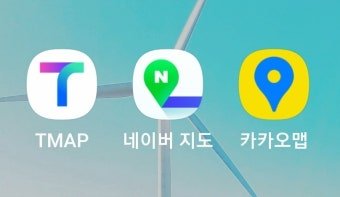
3. The “Power Trio” of Korean Navigation Apps
To travel without stress, we highly recommend downloading these two apps before you land:
① Naver Map (The All-Rounder)
This is the “Google Maps of Korea” and the most widely used app by locals.
- English Support: Full English interface available.
- Best For: Finding the best restaurants with authentic local reviews, checking exact bus arrival times, and using precise walking directions even in narrow alleys.
- Pro Tip: Copy the Korean address of your hotel from your booking site and paste it directly into Naver Map for 100% accuracy.

② KakaoMap (The Intuitive Choice)
Known for its clean design and 3D “Skyview” feature.
- Best For: Visualizing your destination before you get there. Its integration with Kakao T (Taxi) makes it the best app for calling a cab when you’re tired of walking.
4. Smart Traveler Tips for 2026
- Search in Korean: If an English search doesn’t work, try searching by the phone number of the shop or copying its Korean name.
- Save Your Spots: Both Naver and Kakao allow you to “Star” or “Favorite” locations. Pin your hotel and must-visit spots before you leave your Wi-Fi zone.
- Check the “Exit Number”: Korean subway stations can have over 10 exits. Local apps will tell you exactly which exit number is closest to your destination—saving you a 10-minute walk underground.
The “Map Galapagos” of Korea is slowly opening up, but for the best experience, Naver Map is still your best bet. Download it today and explore Korea with confidence!