Staying connected is essential when traveling. Luckily, South Korea is one of the most connected countries in the world. From subways to cafes, here is how you can access free Wi-Fi across the country.
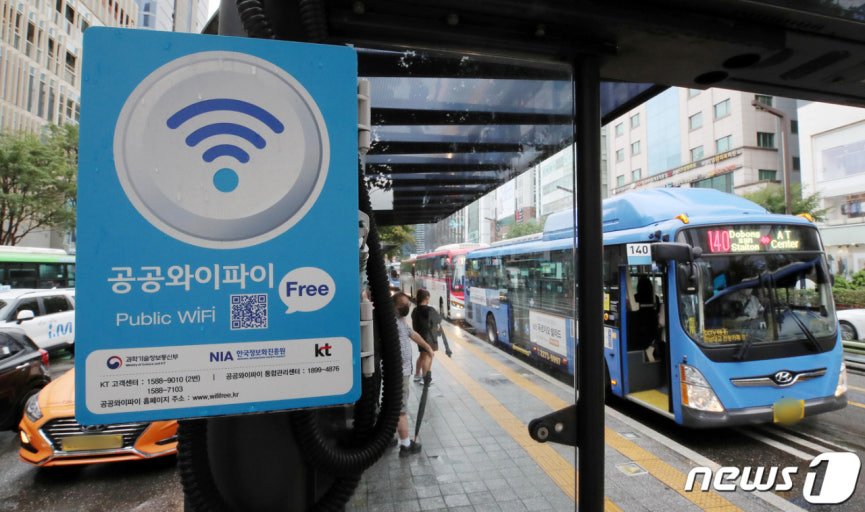
1. Public Wi-Fi (Government-provided)
The Korean government provides free Wi-Fi in major public areas like parks, bus stops, and tourist attractions.
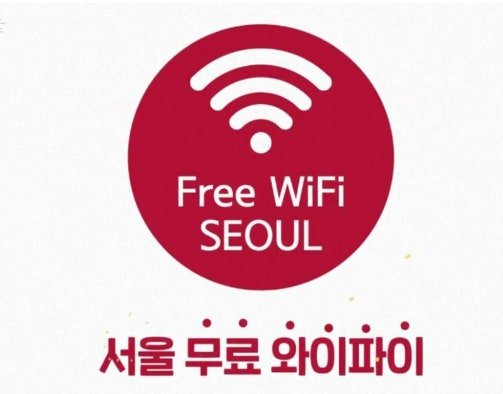
🌐 Public WiFi Free
- SSID (Network Name):
Public WiFi FreeorPublic WiFi Secure - How to Connect: 1. Select Public WiFi Free in your settings. 2. A landing page will appear. Click the “Connect” button (usually in the center). 3. You are now connected! (Note: You may need to reconnect every hour or in different locations).
🔒 Public WiFi Secure (Recommended)
If you want a more stable and encrypted connection, use the ‘Secure’ version.
- ID:
wifi - Password:
wifi - Encryption: WPA2 (AES)
2. Wi-Fi on Public Transportation
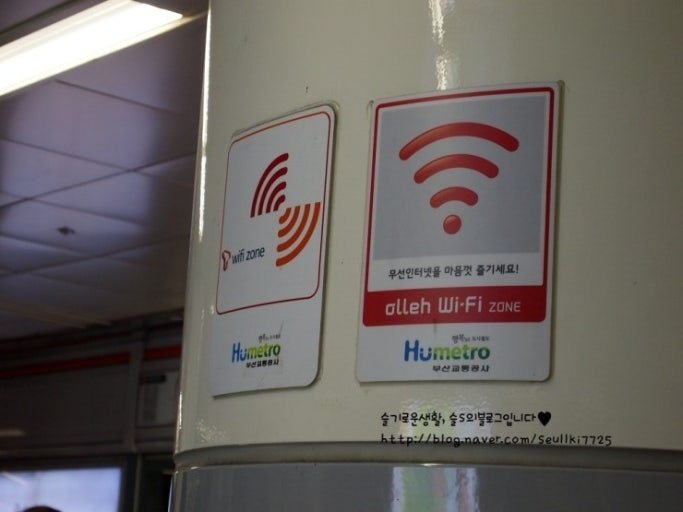
Korea offers seamless connectivity even while you are moving.
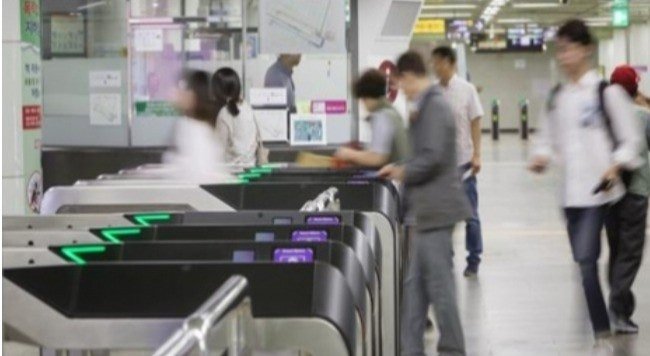
- Subways: Every subway car in Korea has its own Wi-Fi. Look for names like
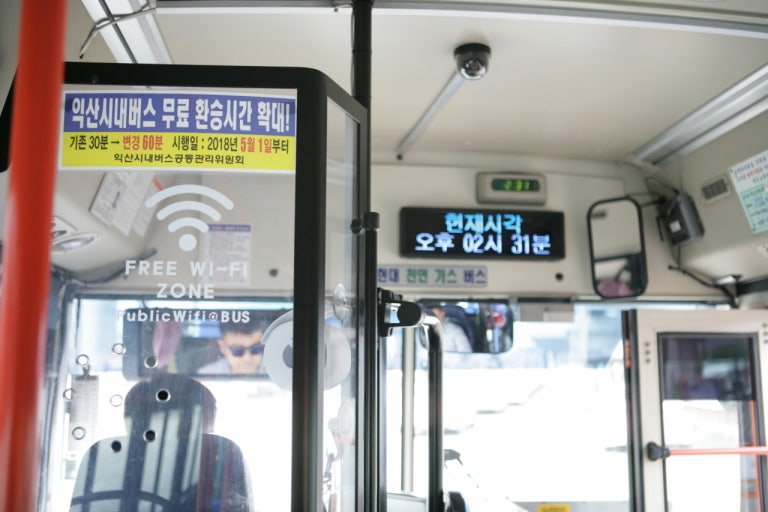
Public WiFi Secureor carrier-specific names likeT wifi zoneorolleh WiFi. - Buses: Most city buses have free Wi-Fi. Look for a sticker on the window or near the driver. The SSID is usually
Public WiFi Free.
3. Cafes, Restaurants, and Shops
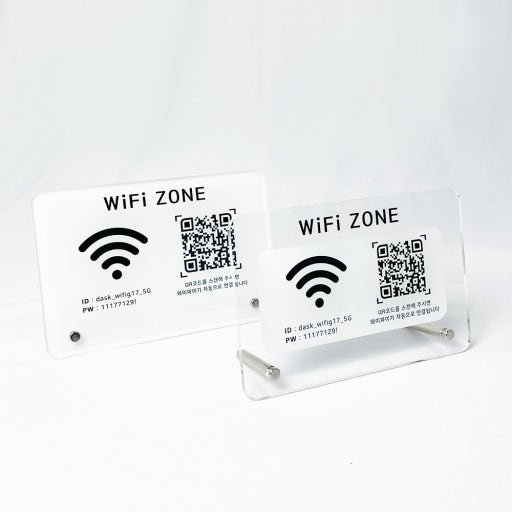
Almost every cafe (Starbucks, Twosome Place, etc.) and restaurant in Korea provides free, high-speed Wi-Fi for customers.
- How to find the password: * Check your receipt (printed at the bottom).
- Look for a small sign near the service counter or on the wall.
- If you can’t find it, ask the staff: “Wi-Fi password juseyo?” (Please give me the Wi-Fi password).
4. Key Tourist Spots: “KOREA FREE WiFi”
In major tourist districts like Myeongdong, Hongdae, and Gangnam, specialized high-speed networks are often available for international visitors.
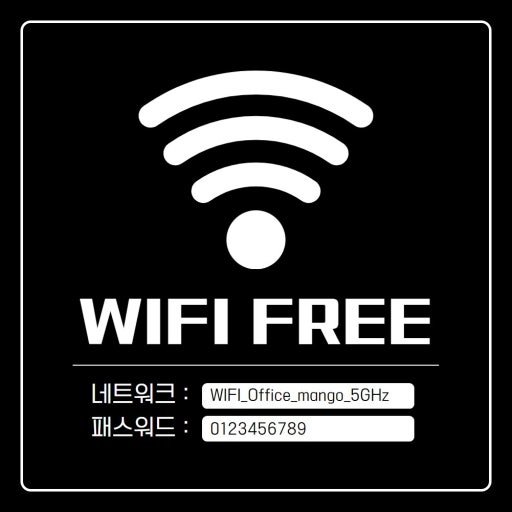
- SSID:
KOREA FREE WiFi - Tip: These networks are usually very fast and don’t require any complicated login steps.
⚠️ Security Tips for Using Public Wi-Fi
- Avoid Online Banking: Do not access sensitive financial apps or enter passwords on open public networks.
- Use a VPN: If you need to handle private data, using a VPN (Virtual Private Network) is highly recommended.
- Automatic Reconnect: Turn off “Auto-Join” for public networks when you’re not using them to save battery and increase security.
✅ Summary for Travelers
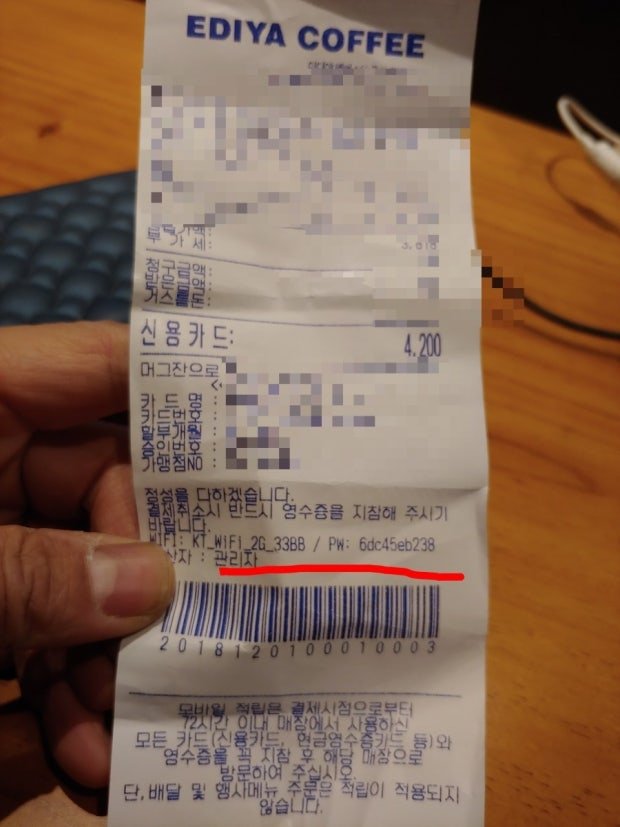
“Look for ‘Public WiFi Free’ in public places and check your receipt at cafes. For a secure connection, use ID: wifi / PW: wifi.”